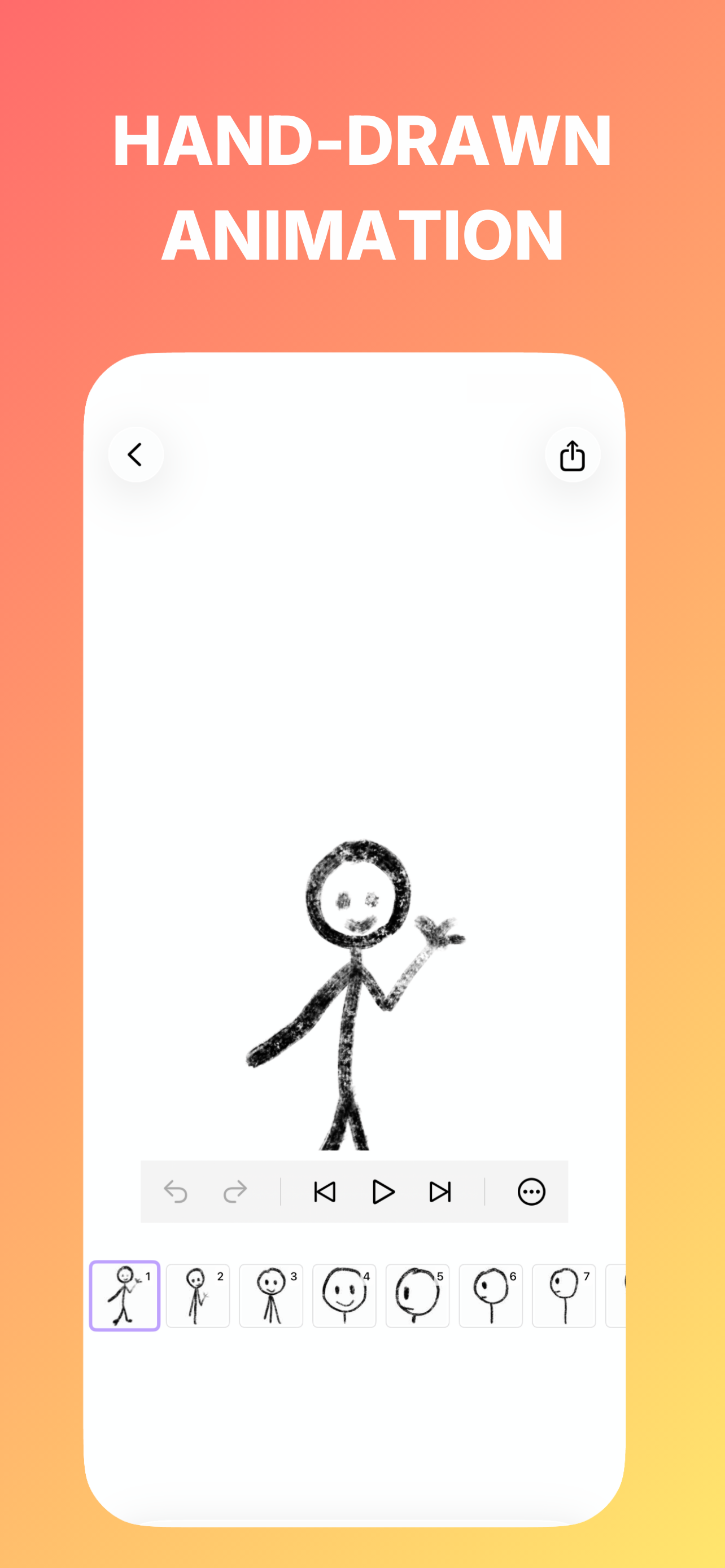
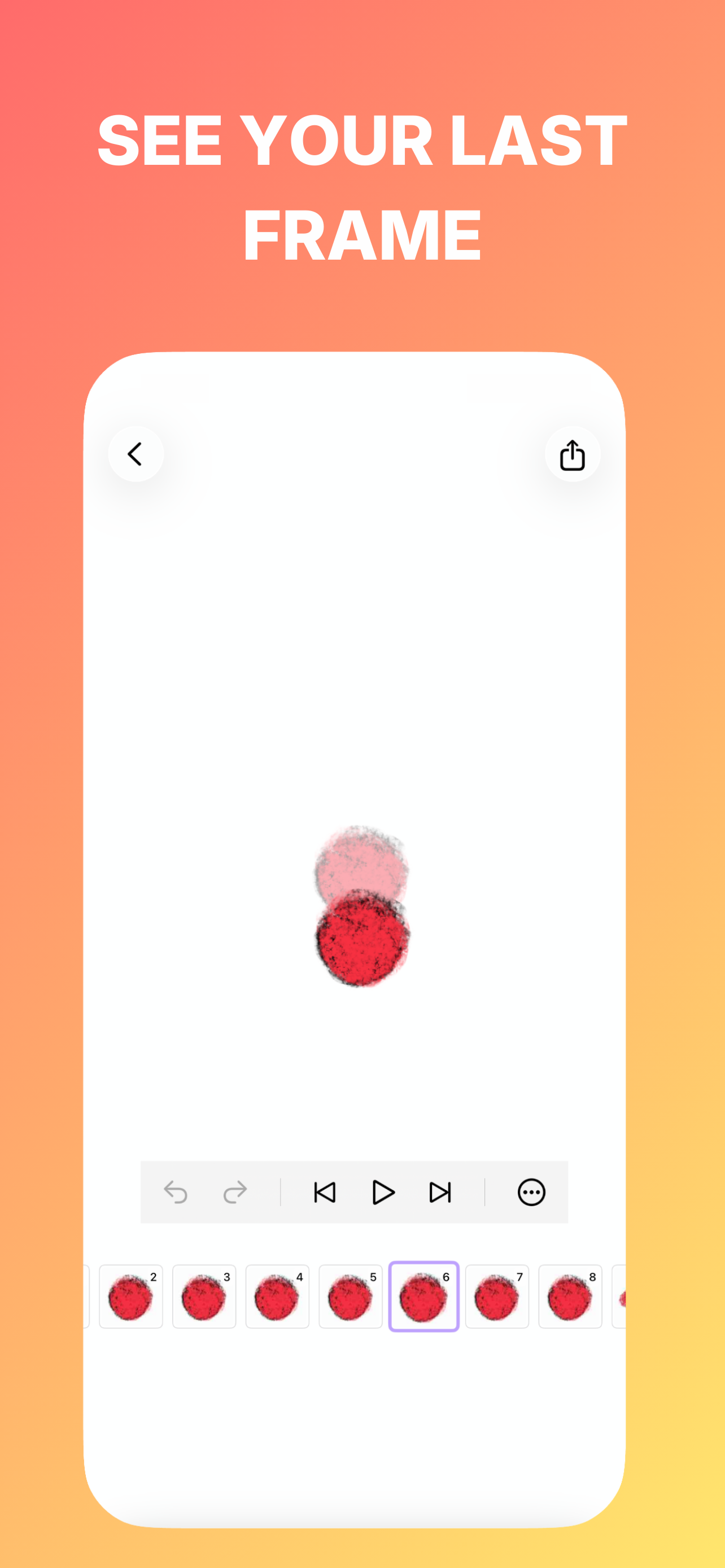
Open Firona and go to the Projects screen. Tap Import Project, then select a Firona project file from Files or iCloud Drive. The project will be added with all animation frames and timing preserved.
Firona is optimized for iPhone and iPad. Apple Pencil is highly recommended for professional frame-by-frame drawing.
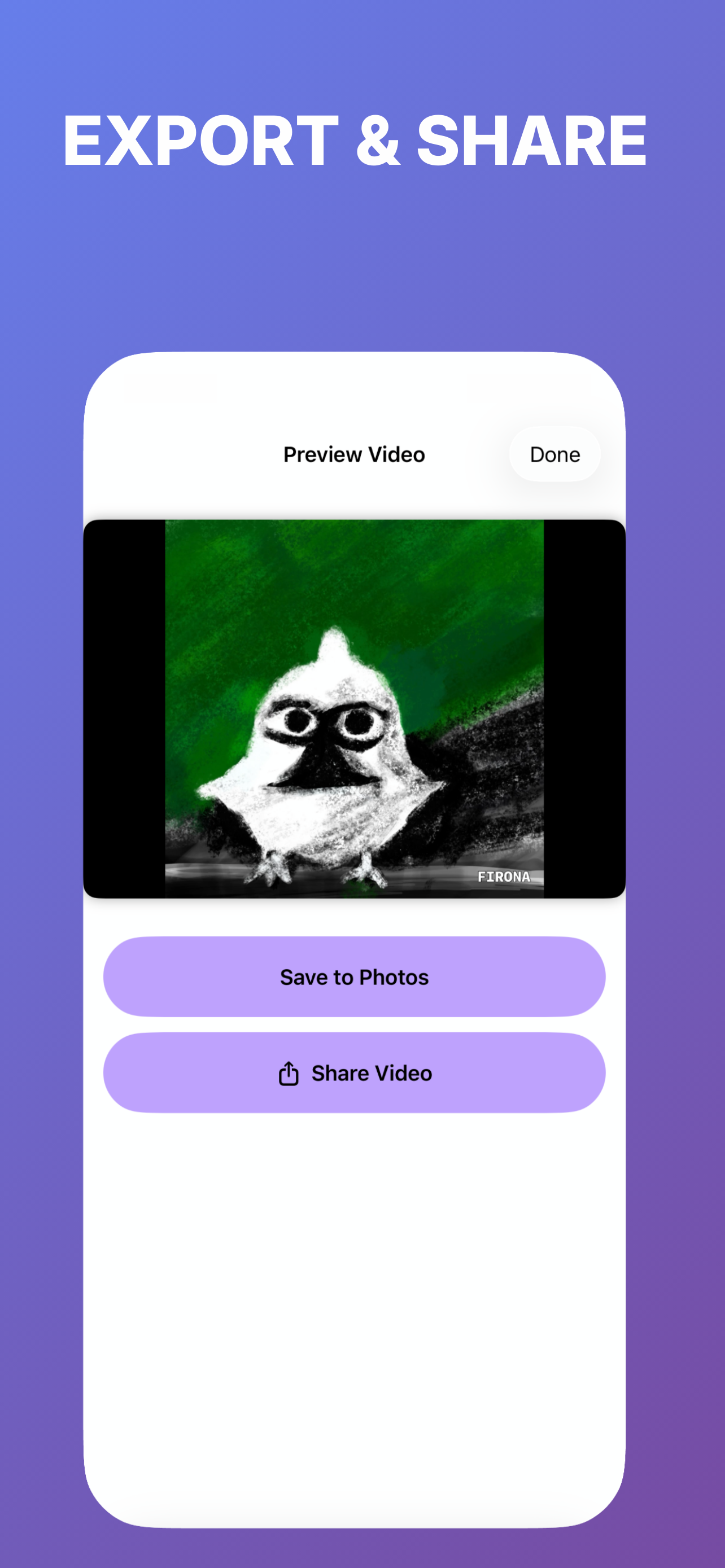
Export your work as high-quality MP4 Video, Animated GIFs, individual frames as PNG, or a Printable Flipbook (PDF).